
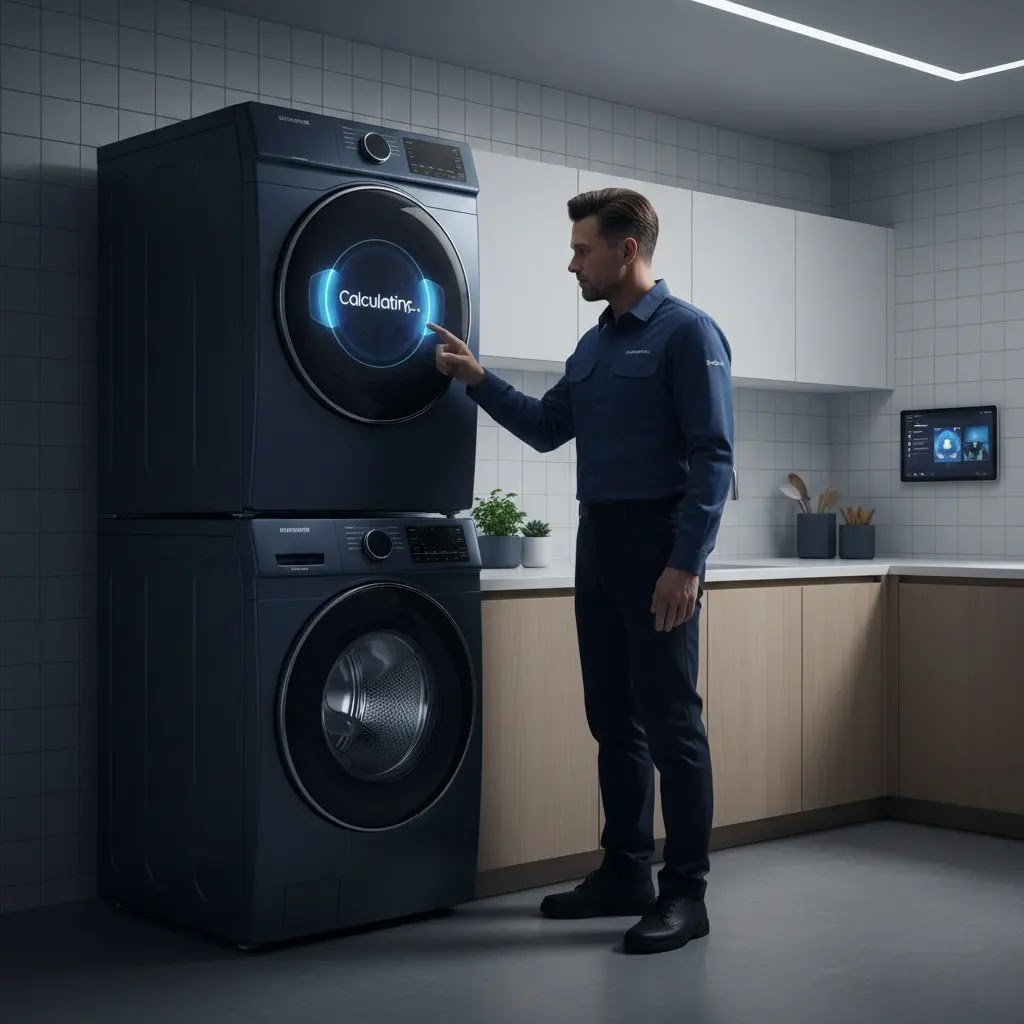

Samsung AI Washer Stuck on Calculating? Fix the Load Sensor Loop
Is your Samsung Bespoke AI washer stuck on the Calculating screen for 15 minutes or more? As a Samsung Field Engineer with 15 years of experience, I know how frustrating this Logic Loop can be. Whether it’s the 2026 AI Wash & Dry+ model or an older Bespoke beast, the problem usually isn’t a broken motor; it’s a communication breakdown between the motor’s sensors and the machine’s brain. This guide will show you how to fix the Hall Sensor glitch, bypass the Suds Lock, and use the ‘Cb’ Calibration mode to get your laundry moving again.
The Logic: Why the Calculating Loop Happens
The 2026 models don’t rely solely on simple weight thresholds. They use a Bayesian Optimization model. Think of it as the machine making a best guess based on real-time data. It calculates two main things: Moment of Inertia (how hard is it to move this load?) and Torque Ripple (is the load balanced or is it a single, heavy lump?).
The math looks like this in the background:
Z(t) = (T_t – μ_t) / σ_t
Z(v) = (T_v – μ_v) / σ_v
The machine is trying to hit a specific pass percentage (Z) for entry time and vibration. If you’re washing a single heavy bath mat, the vibration (sigma_v) is too high, and the math never clears. The AI then triggers a rebalance shuffle, which is why you see the drum twitching back and forth forever.
Engineer’s Note
Don’t let the math intimidate you. In plain English, the AI is simply comparing the drum’s struggle against its stability. If the vibration is higher than the expected spin-speed threshold, the math never clears. The computer assumes the load is unsafe and restarts the sensing phase to protect the machine’s suspension. If you’ve been stuck for 15 minutes, the AI is caught in a Logic Loop; it’s waiting for a stability signal that your unbalanced load (or unlevel floor) simply cannot provide.
Technician’s Secret: The Leveling Trick

Before you pull out a multimeter, listen to this: 50% of the Calculating errors I fix in the field are solved just by adjusting the feet.
Why? Because the 2026 models use AI VRT+ (Vibration Reduction Technology). At the start of the Calculating phase, the machine does a series of high-torque shuffles. If the machine isn’t perfectly level, the tub frame flexes. This tiny bit of frame-twist creates parasitic drag on the motor.
The AI sees this drag and thinks, Wait, the motor is working too hard for an empty drum; something is wrong with the sensor. It then restarts the calculation to verify the data.
The Fix:
- The Rocking Test: Place your hands on opposite corners of the top panel. If you can make the machine wobble even a fraction of a millimeter, it’s not level.
- Short is Stable: Turn the feet clockwise to shorten them as much as possible while remaining level. The higher the legs, the more they vibrate like a tuning fork.
- The Lock Nut: This is the part everyone misses. Once the machine is level, you must tighten the locking nut against the bottom of the washer. If those nuts are loose, the vibration from the first spin will rattle the feet out of position.
1. The Hall Sensor Logic: The Motor’s Tachometer.

The Hall Sensor (or Rotor Position Sensor) is a small module on the stator that tells the PCB exactly how fast the rotor is spinning and its exact orientation.
Over time, the epoxy coating on these sensors gets micro-fractures from the heat of the motor; we call this thermal fatigue. Moisture or vibration gets in, and the signal becomes noisy. When the machine tries to calculate the load’s weight, that noisy signal makes the AI think the motor is stalling. Instead of throwing an error, the machine just tries again… and again.
How to Spot a Failing Hall Sensor (Without a Multimeter):
- If you don’t have tools, watch the drum closely during the Calculating phase.
- The Jerk: Does the drum take a sharp, sudden jerk and then stop?
- The Stutter: Does it sound like the motor is trying to kick-start but clicks instead?
- If you see these twitchy movements, the Hall Sensor is likely sending scrambled data.
The Cost Factor:
The good news? A Samsung Hall Sensor is relatively cheap, typically between $25 to $45. However, a technician will charge you $150 to $250 for the labor. If you are out of warranty, this is one of the most cost-effective DIY repairs you can perform to save your 2026 Bespoke washer from the scrap heap.
While the Hall sensor is a cheap part, replacing it requires precision. For a full wiring diagram of the stator assembly, you can download the [Samsung Bespoke AI technical service manuals] before starting your DIY repair.
Table: Normal Behavior vs. Infinite Loop Symptoms
| Feature | Normal Operation (Pass) | Infinite Loop (Stall) |
|---|---|---|
| Duration | 30 to 90 seconds. | 10 minutes to several hours. |
| Drum Motion | 2–3 clean rotations (CW/CCW). | Erratic, twitchy stutters. |
| Audio | Smooth motor hum. | Rhythmic tink sounds every second. |
| Timer Display | Transitions to specific cycle time. | Hangs at 1 min, 4 min, or 7 min. |
Hall Sensor (RPS) Electrical Diagnostics
| Test Point (at Stator) | Target Voltage (Normal) | Failure Symptom |
|---|---|---|
| Power Supply (White to Gray) | 10–15 VDC | <10 board=”” failing=”” power.=”” send=”” td=”” to=”” v=”Inverter”>
10> |
| Signal A (Blue to Gray) | Pulsing 10 VDC (when rotated) | Solid 9–10 V = Internal resistor open/Sensor dead. |
| Signal B (Red to Gray) | Pulsing 10 VDC (when rotated) | 0 V = Broken harness or snapped wire. |
| Resistance (Pin 5 to 1/2) | ≈ 10 kΩ | Infinity (∞) = Blown Hall element. |
2. The Suds Lock Factor and Turbidity
2026 Bespoke models feature an upgraded AI Wash+ system with a Turbidity Sensor that monitors water cloudiness to adjust detergent levels in real-time.
If someone uses non-HE detergent, or way too much of it, you get Suds Lock (Error SUD/5UD). Those bubbles create physical drag between the basket and the outer tub. The AI interprets this drag as a massive, water-heavy load. Even worse, if there’s a biofilm of old soap on the sensor window, the AI thinks the water is always dirty and will loop the calculation or rinse phase indefinitely, waiting for the water to clear up.
Preventing biofilm buildup on your AI sensors is the best way to avoid logic loops. Follow these [essential Samsung washing machine maintenance tips] to keep your turbidity sensors and drain lines crystal clear.
3. SmartThings and HomeCare Wizard: Firmware Glitches

Since these 2026 models are IoT-enabled, they update themselves via the HomeCare Wizard. A Calculating hang is often actually a background firmware update that hasn’t finalized.
- The dn Code: If the display shows dn, the unit is downloading an update. Don’t pull the plug. If you interrupt a download, you can brick the logic. If it stays on dn for more than 30 minutes, you likely have a network timeout.
- Incomplete Update Fix: Use the SmartThings App to check Information > Firmware Update. If it’s stuck, perform a power reset (breaker off for 5 minutes) and retry using a mobile hotspot to bypass local network interference.
4. The 2026 Calibration Mode (The Cb Code)

Calibration is the only way to zero out the machine. If you move the machine or replace a part, the AI’s baseline weight detection is gone.
Calibration Entry (2026 Bespoke Models)
| Model Interface | Entry Command | Success Indicator |
|---|---|---|
| Standard 7 LCD | Settings > Calibration > Start. | Automatic power off. |
| 2.8 LCD + Dial | Hold Temp + Delay End for 3s. | Cb appears on screen. |
| Bespoke Grand AI | Hold Prefer Mode or Smart Control for 3s. | Display shows En, End, or 0. |
Steps: Ensure the drum is empty. Press Start/Pause. The drum will rotate for ~3 minutes to map its internal friction baseline.
If your Bespoke model has a different interface, you can verify the button sequence in the [official Samsung washer calibration and re-zeroing steps] guide to ensure the AI’s weight sensor is properly zeroed out.
5. Advanced Troubleshooting: The Hand-Spin Test
If calibration fails, you have to find out if you’re fighting Mechanical Drag or Electronic Noise.
Perform the Hand-Spin Diagnostic:
Turn the power off and give the drum a good spin by hand.
- Mechanical Drag: If it feels heavy, grinds, or stops immediately, the rear bearings or the spider arm (flange shaft) are shot. No AI software can calculate around a physical brake.
- Electronic Noise: If the drum spins like butter but the machine still stalls, the Hall Sensor is likely sending phantom data. Inspect the plastic wire bracket at the 4 o’clock position on the back of the tub; vibration often snaps the thin sensor wires there.
If the drum feels heavy during the hand-spin test, it’s likely a bearing issue. Use this resource to [troubleshoot Samsung washer mechanical noise] and identify if your spider arm or flange shaft is broken.
FAQs (Real Reddit Concerns)
Q: Can I bypass the Calculating screen?
A: You can’t skip sensing in an AI cycle, but you can bypass it by using the Spin Only mode. This forces the machine to skip turbidity and water-level checks, though it may still perform a quick unbalance check for safety.
Q: Does a firmware update fix the sensor loop?
A: If the loop is a software glitch in the AI Wash+ algorithm, yes. Samsung frequently pushes New Datasets to the cloud to improve fabric sensing accuracy. Check SmartThings for pending updates.
Q: Why does my Samsung washer stay on for 1 minute for an hour?
A: This is almost always a weight distribution failure. The AI is trying to balance a point mass imbalance (like one wet towel). The timer won’t hit zero until the vibration threshold (Z_v) is met. Solution: Add 2-3 more towels to balance the load.
Q: Why is it adding water on the Spin Only setting?
A: If it senses an imbalance (Ub), it adds water to redistribute the clothes. If it does this with no clothes in the machine, your suspension rods are shot, or the Hall sensor is providing bad feedback.
While calculating isn’t an error code itself, it often leads to a Ub or 4E fault. You can find the meaning of every digital signal in our [list of Samsung washing machine error codes (2026)].
Q: How do I know if it’s a Siphoning issue?
A: If your drain hose is pushed more than 8 inches into the standpipe, it creates a siphon. The washer will refill indefinitely because it can’t maintain the water level needed for the turbidity check. Keep it between 6–8 inches.
Pro-Tip: The Power-Drain Secret
Precision Verdict
The Field Engineer’s Recommendation:
If your washer is looping on Calculating, your first move is the Leveling Trick. Adjust those feet until the cabinet is rock-solid and tighten the lock nuts. If the problem persists, run the Cb Calibration on an empty drum.
Can you DIY?
- Yes, if it’s a leveling, siphoning (drain hose depth), or suds issue. These account for roughly 70% of residential stalls.
- Call a Pro if you hear a tink sound from the motor or if the drum is physically hard to spin. A burning smell or a seized drum indicates a bearing or inverter failure that requires component replacement beyond simple recalibration.