
Table of Contents
Samsung Washing Machine Error Codes
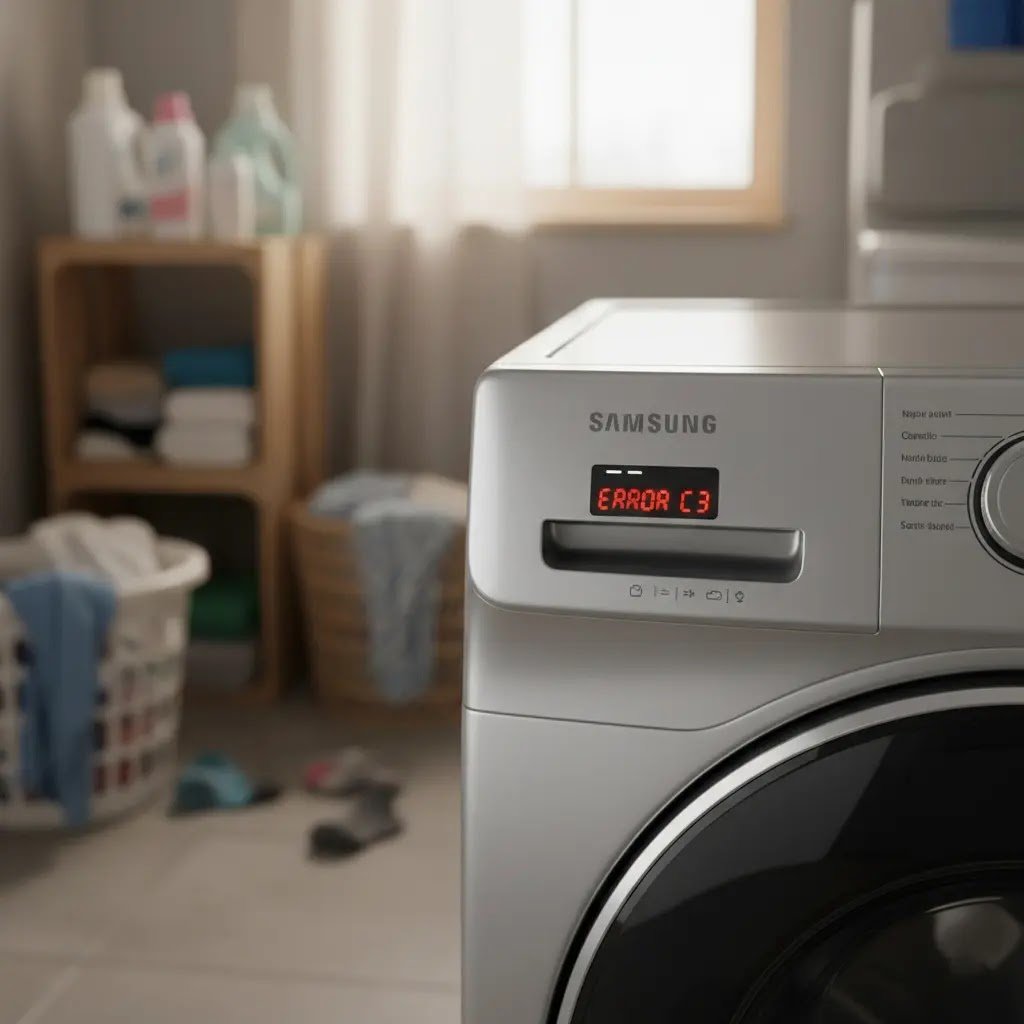
Samsung error codes look scary, but in 2026, most of these issues can be resolved at home without spending a penny on a technician. Whether you have a classic front-load or the latest AI-powered bespoke washer, these codes are the machine’s way of telling you exactly what’s wrong.
As an appliance repair specialist with over a decade of experience, I’ve decoded thousands of these signals. This guide provides the most comprehensive breakdown of every Samsung error code, updated with 2026 tech insights, safety protocols, and cost-effective fixes.
Quick Reference: Samsung Error Code Master Table (2026)
| Error Code | Primary Meaning | Common Cause | DIY Fix Rating |
|---|---|---|---|
| 4C / 4E | Water Supply Issue | Clogged filters or kinked hoses | Easy |
| 5C / 5E | Drain Error | Blocked drain pump or filter | Moderate |
| DC / UE | Unbalanced Load | Tangled laundry or uneven flooring | Very Easy |
| 3C / 3E | Motor Error | Drum overload or sensor failure | Advanced |
| tC / tE | Temp Sensor Error | Faulty thermistor or wiring | Moderate |
| OC / OE | Water Overflow | Too much detergent or a faulty valve | Easy |
| LE / LC | Water Leakage | Loose hoses or cracked tub | Moderate |
| Sud / 5Ud | Excessive Suds | Non-HE detergent usage | Easy |
| HC/HE | Heater Error | Heating element failure | Advanced |
| bE / 12E | Button/UI Error | Stuck buttons on the panel | Easy |
| AC / AE | Signal Error | Communication failure between boards | Advanced |
Essential Tools for DIY Repair
Before we dive into the code, ensure you have these tools ready. Using the right tool prevents damage to your expensive appliance.
- Phillips & Flathead Screwdrivers: For removing the back panel and top cover.
- Multimeter: Essential for checking 2026 digital sensors and motor continuity.
- Small Soft Brush: For cleaning delicate inlet mesh filters.
- Bucket and Towels: Samsung washers hold up to 2 liters of emergency water in the drain-pump area.
- Pliers: To tighten or loosen hose clamps safely.
1. 4C / 4E: Water Supply Failure

Symptoms: The cycle starts, you hear a hum, but no water enters the drum. After 10 minutes, the 4C code appears.
How to Fix:
- Safety First: Unplug the machine.
- Check Taps: Ensure both hot and cold taps are fully turned on.
- Inspect Hoses: Look for kinks. Modern 2026 No-Burst hoses can sometimes collapse internally.
- Clean Inlet Filters: Unscrew the hoses from the back of the washer. Use a brush to clean the small mesh filters.
Expert Tip: If you have high water pressure but the code remains, your water inlet valve solenoid may have burnt out.
2. 5C / 5E / nd: Drainage Blockage

Symptoms: The washer stops before the spin cycle, and the drum is full of soapy water.
How to Fix:
- Locate the small door at the bottom front of your washer.
- Place a towel down and use the emergency drain tube to empty the water into a bowl.
- Unscrew the large debris filter and remove coins, hairpins, or lint.
- Check the drain hose height; it should not be higher than 90 cm from the floor.
Cost vs. Replace: Cleaning is free. If the pump is making a grinding noise, a replacement costs roughly $50–$80.
A faulty pump or a kinked hose is the most common reason for a [Samsung drain issue], and it’s usually something you can fix yourself without a pro.
3. DC / dE / UE: The Balance Headache

Symptoms: The machine tries to spin, shakes violently, and resets the timer back to 9 or 11 minutes.
How to Fix:
- Redistribute: Open the door and break up balls of heavy towels or jeans.
- Leveling: Use a spirit level tool. Adjust the feet of the washer so it doesn’t rock when pushed.
- Vibration Reduction: In 2026, we recommend using anti-vibration pads if your washer is on a wooden floor.
Expert Tip: If the UE code appears even when empty, your suspension rods (shocks) are likely worn out and need replacing.
4. 3C / 3E / 3CP: Motor Drive Error
Symptoms: The display shows the code, and the drum won’t rotate at all, even though you hear the relay click.
How to Fix:
- Hard Reset: Unplug the washer for 30 minutes to let the motor capacitor discharge.
- Check for Obstructions: Try rotating the drum by hand. If it’s jammed, a garment might be stuck between the tub and drum.
- Wiring Check: If you are comfortable, open the back panel and check if the wire harness to the motor is loose.
Expert Tip: 3C errors are often caused by the Hall sensor. It’s a $20 part that saves you from buying a $200 motor.
5. tC / tE / tC1: Temperature Sensor Issues

Symptoms: The washer stops mid-cycle, usually during a Sanitize or Hot wash.
How to Fix:
- Check the wiring to the thermistor (located near the heater).
- Use a multimeter to check resistance. At room temperature, it should read approximately 10k-12k ohms.
2026 Update: Newer AI models may trigger this if the ambient room temperature is below freezing (common in garage installs).
6. OC / OE / 1C: Overflow & Level Sensor
Symptoms: The washer keeps filling with water until it reaches the glass, or it falsely thinks it is overflowing.
How to Fix:
- Detergent Check: If you see suds, it’s a false overflow. The bubbles trip the sensor.
- Pressure Tube: Check the thin plastic tube connected to the water level sensor. If it’s pinched or clogged with gunk, the sensor won’t work.
- Sensor Replacement: If the tube is clear, the pressure switch (sensor) is likely faulty ($25–$40).
7. LE / LC / LE1: The Leakage Warning

Symptoms: The washer stops and leaks. The sensor at the base detects moisture.
How to Fix:
- Inspect the Boot: Look for tears in the large rubber door seal.
- Filter Check: Ensure the bottom debris filter is screwed in perfectly straight.
- Detergent Overdose: Using too much soap causes oversuds, which leak out of the back air vent, tripping the LE sensor.
Expert Tip: Tilt the machine slightly back to let the base pan dry. Often, the error clears once the sensor is dry.
8. Sud / 5Ud: The Soap Suds Lockdown

Symptoms: The machine pauses and displays Sud. It refuses to drain or spin.
How to Fix:
- Wait: Do not add more water. The machine is in Suds Suction mode. It will wait for bubbles to dissolve.
- Clean Out: Once the cycle ends, run a tub clean or a hot cycle with no detergent.
The Fix: Switch to HE (High Efficiency) detergent only. In 2026, even natural detergents must be HE-rated for Samsung AI washers.
Excessive ‘scrud’ buildup is a major cause of sensor errors. Instead of expensive tablets, use an [Affresh alternative] like soda crystals to keep your drum residue free.
How to Perform a Hard Reset (The 2026 Method)
Modern Samsung washers are essentially computers. When the software glitches, a hard reset is your best friend:
- Disconnect the power cord from the outlet.
- Hold the Start/Pause button for 10 seconds.
- Wait exactly 15 minutes (this clears the memory on the PCB).
- Plug it back in and start a quick wash with no clothes.
Using Samsung SmartThings & Diagnostic Mode
In 2026, you shouldn’t guess. Use the Samsung SmartThings App:
- Open the app and select your washer.
- Go to HomeCare Wizard.
- It will show you exactly which part is failing.
- Manual Diagnostic: On many models, holding “Temp” and “Spin” while pressing Power enters the test mode, allowing you to test the pump and motor individually.
Preventing Future Errors: The 30-Day Rule
To extend your washer’s life by up to 30%, follow this maintenance schedule:
- Every 30 Days: Run the Self Clean or Tub Clean cycle with a dedicated cleaner tablet.
- Every 2 Weeks: Rinse the bottom debris filter.
- Every 6 Months: Check the rubber hoses for “bubbles” or cracks. Replace them every 5 years regardless of their appearance.
Frequently Asked Questions (FAQ)
Q: Can I ignore a 4C error and keep restarting?
A: No. Repeatedly restarting can burn out the water inlet valve solenoid or damage the main control board.
Q: Why does my Samsung washer show “DC” even with a small load?
A: Small loads are actually harder to balance than full loads. One heavy item (like a single hoodie) will clump to one side. Add a few towels to balance it out.
Q: Is it worth fixing a 3C motor error?
A: If your machine is under 10 years old, yes. Samsung Motors often has a 10-20 year warranty. Check your manual before paying a technician.
Conclusion
Samsung washing machine error codes are not a death sentence for your appliance. By understanding the language of your machine, from the common 5C drain error to the more complex 3C motor glitch, you can save hundreds of dollars in service fees. Always prioritize safety by unplugging the unit, and use the SmartThings app for a secondary opinion.
For a complete step-by-step on keeping your machine fresh, check out our guide on [Samsung maintenance tips].