
Table of Contents
Reset LG Washing Machine Control Board
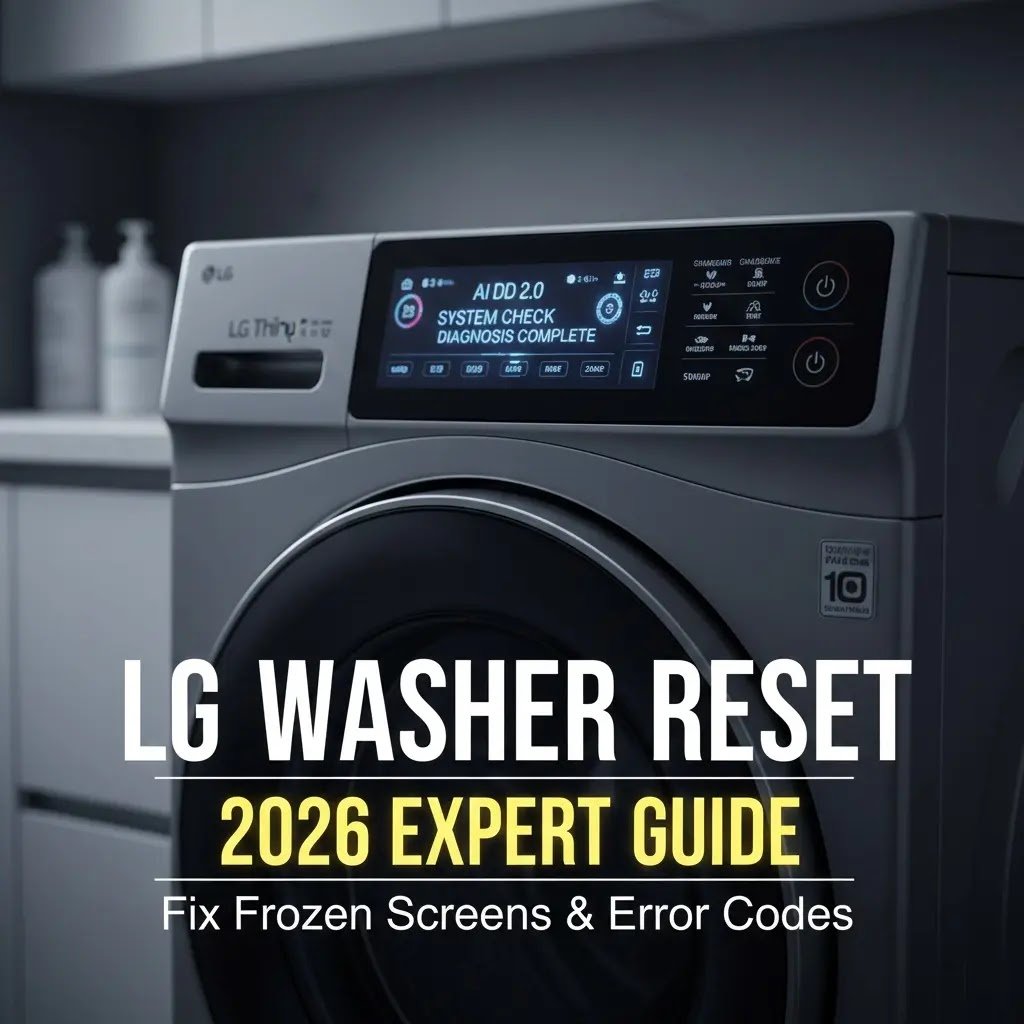
I’ve had my fair share of laundry disasters. There’s nothing quite as annoying as seeing a pile of wet clothes stuck in a machine that refuses to move. In 2026, LG washers are incredibly smart, utilizing AI DD™ 2.0 to detect the type of fabric and soil levels and select the perfect wash cycle accordingly. But even these genius machines can get confused. I’ve learned that most of the time, the machine isn’t broken; its brain just needs a fresh start.
I’ve spent years troubleshooting everything from minor leaks to major motor failures. If you’re unsure whether your issue is a software glitch, review my full breakdown of the [7 Most Common LG Washing Machine Problems] before initiating the reset process.
Here is my personal experience and a simple guide on how to handle these moments when your high-tech appliance starts acting like it has a mind of its own.
Why is My Washing Machine Acting So Strange?
The technical reason for this ‘scrambled logic‘ is often ghost voltage. Modern LG control boards use high-capacity capacitors to handle the AI DD™ 2.0 processing. Even after you turn off the power, these components can hold a charge for several minutes. This ‘trapped’ energy keeps the memory chips from fully clearing. Holding the Start button while unplugged creates a short circuit that safely bleeds this energy away, allowing the processor to perform a true ‘cold boot.’

When Do I Know It’s Time to Reset?
In my house, I usually reach for the power plug when I see these specific red flags:
- The 13-Minute Curse: If your machine hangs at 13 minutes, it’s often because the AI is waiting for the water to reach a specific temperature or for the drum to balance perfectly for the final high-speed spin. If a reset doesn’t fix it, check if your cold water inlet is clogged; if the machine can’t ‘cool down‘ the suds, it will stay stuck at 13 minutes indefinitely.
- Frozen Buttons: I press the start button and hear a beep, but the machine won’t lock the door or start the motor. Note that on 2026 Touch models, you often have to hold the button for a full second now.
- Alphabet Soup (Error Codes): If the screen starts flashing LE, OE, or IE, I don’t panic anymore. I just know the sensors are alerting me to a problem that might be fixed with a quick reboot.
- Post-Storm Issues: After a power outage or a thunderstorm, my machine often needs a reset to clear its memory from the electrical surge.
Legacy Reset: Troubleshooting Older LG Models
If you own an older LG model (pre-2020) without the fancy touchscreens or AI DD™ features, your reset process is slightly different. These machines rely more on electromechanical timers and physical relays.
- The ‘Button Combo’ Reset: On many older models, you can force a reset by holding the WASH TEMP and SPIN SPEED buttons simultaneously for 3 seconds while the machine is on. You will hear a loud beep, indicating the error memory has been cleared.
- The Door Latch Trick: Older LG front-loaders often “freeze” because the physical wax motor in the door lock gets stuck. If a power reset doesn’t work, try tapping the door handle firmly with the palm of your hand; sometimes the physical vibration releases the stuck latch, allowing the control board to reboot.
- Physical Knob Alignment: If your machine has a rotating dial, ensure it is clicked perfectly into a cycle before hitting Start. If it’s “between” cycles, the board will stay unresponsive, mimicking a frozen computer.
- Pro-Tip for Legacy Units: Older LG washers have larger capacitors that hold a static charge much longer than modern AI models. If the standard 5-minute wait doesn’t clear your error code, perform a deep sleep reset: leave the machine unplugged for at least 30 minutes (or even overnight). This ensures every bit of residual energy is drained from the control board.

My Quick Fix Method (The 5-Minute Reset)
This is my soft reset. It’s the easiest thing to try first, and it clears up about 80% of my problems without me having to pull the heavy machine away from the wall.
- Power Down: I press the power button until the lights go out.
- Unplug it: I pull the cord from the wall outlet.
- The 5-Second Hold: This is the secret step. While it’s unplugged, I press and hold the START/PAUSE button for 5 to 7 seconds. This helps drain any “leftover” electricity hiding in the display.
- The Breather: I leave it alone for 5 minutes.
- Restart: I plug it back in and try a simple cycle.

The Deep Reset (For the Tough Ones)
If the quick fix doesn’t work, I go for the hard reset. I had to do this once when my machine wouldn’t spin at all after a major voltage spike.
- Total Blackout: I unplug the machine and keep it disconnected.
- Power Drain: I hold the POWER button for 30 seconds this time while it is still unplugged.
- The Long Wait: I leave it for 30 minutes. This is especially helpful if I see an LE code, as it gives the motor time to cool down completely.
- Recalibrate: After plugging it back in, I run a rinse & spin cycle with an empty drum. This lets the AI sensors relearn how to balance the machine.
Solving the Alphabet Soup (Common Codes)
I’ve run into these personally, and here is how I handle them before I reset:
- LE (Motor Error): Usually means I put too many heavy towels in. I take some clothes out, wait 30 minutes for the motor to cool, and then reset. If the motor feels excessively hot to the touch even after cooling, it could be a failing sensor. Check our [LG Hall Sensor Testing & Replacement Guide] to avoid a permanent motor burnout. I also make sure I’m not using too much soap; just 1 to 2 tablespoons of HE detergent is plenty.
- OE (Drain Error): I check the tiny filter at the bottom front. I always keep a bucket ready because water will come out! ” I found a stray coin in the filter, but if your filter is clean and the OE code still won’t go away, your pump’s motor might be dead. Follow our [LG Drain Pump Repair]: 5 DIY Steps] to test the pump’s continuity before buying a new machine.”

- IE (Water Error): I check my taps. One time, my water hose was just kinked behind the machine, or the tiny inlet filter was clogged with sand.
My Secret Maintenance Tips to Avoid Resets
To keep my machine from freezing, I follow these rules every month:
- HE Detergent Only: I never use regular soap. Too many suds act like a cushion that stops the drum from spinning, which triggers the LE error.
- The Tub Clean: I run the Tub Clean cycle every 30 loads. It keeps the sensors from getting gunked up with old detergent.
- Level Surface: I made sure my machine is perfectly flat. If it wobbles, it throws a UE (unbalanced) error and stops mid-cycle.
Using the ThinQ App Like a Pro
I honestly love the LG ThinQ app. If my machine is acting up, I use Smart Diagnosis. It’s like having a doctor for your washer. I just hold my phone near the power button, and the app tells me if it’s a software bug or if I actually need a repair guy. In 2026, I will even get ThinQ UP updates that fix glitches automatically through Wi-Fi while I sleep.
Safety and When to Call the Pros
I’m all for DIY, but I’ve learned when to step back. I always stand on a dry floor and use dry hands before touching the plug. If I ever smell burnt plastic, see smoke, or if the display stays pitch black after a reset, stop immediately. A warm panel indicates a PCB short circuit. Read our guide on [Protecting LG Motherboards from Voltage Surges] to see if your board can be saved or needs a total swap.”
Conclusion
Resetting your LG washer is like giving it a fresh start. Most of the time, that 5-minute unplug trick is all you need to get back to your day. Just remember to be patient with the wait times, go easy on the soap, and protect your machine from power spikes with a good stabilizer. It’s saved me a lot of stress (and money!) over the years, and I hope it does the same for you!
Quick Reference Table
| Problem | Step 1 | Personal Tip |
|---|---|---|
| Frozen Screen | Unplug for 5 mins | Hold Start for 5s. |
| LE Error Code | Remove half the load | Wait 30 minutes to cool |
| OE Error Code | Clean the bottom filter | Watch for spills! |
| After the Power Cut | Deep Reset | Wait 30 minutes to cool. |