
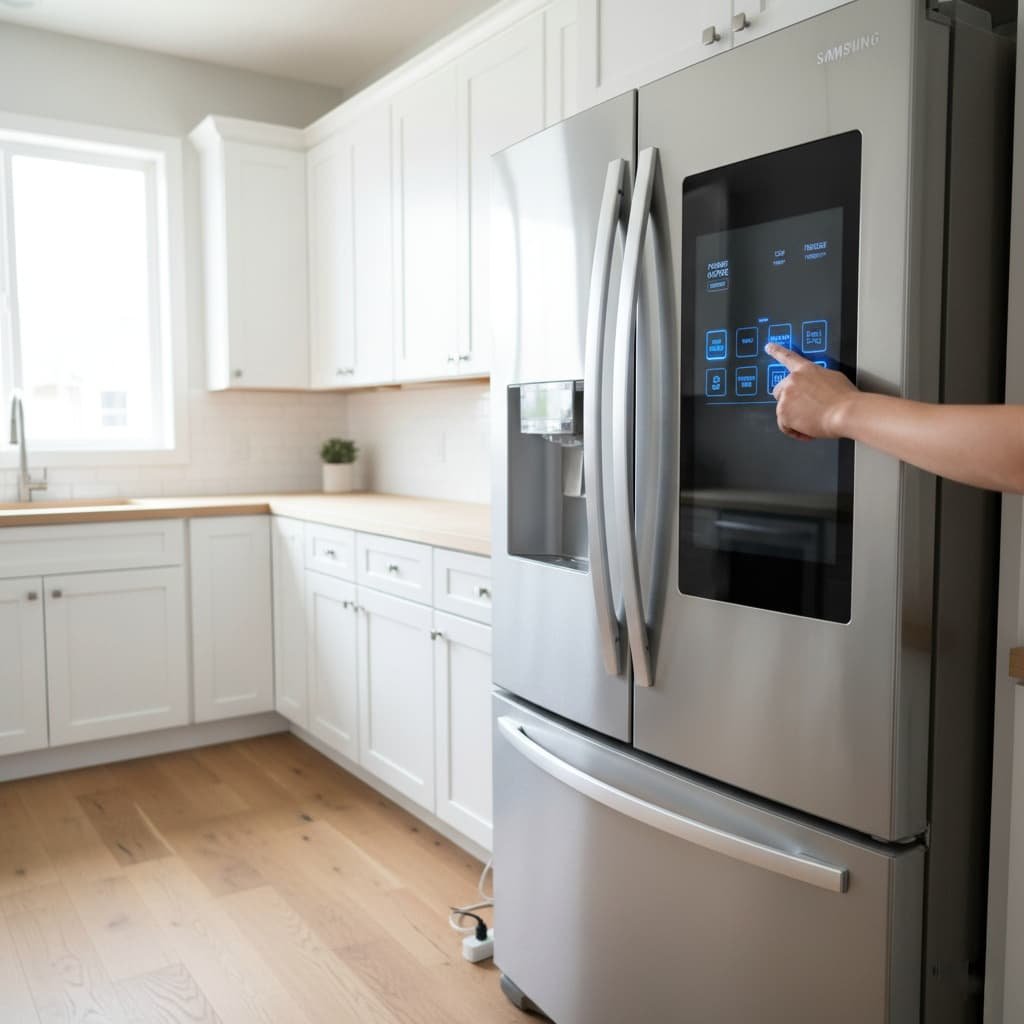
How to Reset Counter-Depth Refrigerator After Power Failure or Cooling Error
Quick, safe steps to restore cooling after a power outage or control error, updated 2025.

Introduction
When the power goes out, counter-depth refrigerators may show errors or stop cooling.
Learning how to reset a counter-depth refrigerator after a power failure or cooling error saves time and prevents food loss.
This guide gives clear steps, brand tips, and safety notes for common models in 2025.
Why Power Failures Cause Cooling Errors
Appliances rely on electronic controls and sensors. Power surges or outages can confuse control boards or sensors.
As a result, the compressor or fans may not restart correctly, or the display may show error codes.
Consumer Reports finds over 20% of home appliance service calls relate to power fluctuation problems. A reset often fixes these temporary faults.
Signs You Should Reset the Fridge
Check your refrigerator for these symptoms before resetting:
- The fridge is warm while lights remain on.
- The digital display shows error codes or blinking lights.
- The compressor does not hum after power returns.
- The ice maker or water dispenser stopped functioning.
- Strange beeps or repeated error messages after a surge.

Before You Start: Safety Checks
Always follow safety first. Unplug before touching electrical parts. Use a non-slip step if you need to access the back.
If you smell burning or see smoke, turn off power and call a technician immediately.
Step-by-Step Reset: General Method (Works for Most Models)
These steps work for many counter-depth refrigerators, including LG, Samsung, and Whirlpool units.
1. Unplug the Refrigerator
- Turn off the power at the wall outlet.
- Unplug the refrigerator and leave it unplugged for 5–10 minutes.
- This pause allows the control board to clear temporary errors.
2. Plug It Back In
- Reconnect the power and wait 1–2 minutes before checking the display.
- Listen for the compressor to start with a soft hum or click.
3. Use Panel Reset Commands
Many brands provide button combos to force a reset. Try the commands below if the display still shows errors.
LG Models
- Press and hold Refrigerator and Ice Plus for 5 seconds.
- Use the LG app (ThinQ) to reinitialize Wi-Fi models if needed.

Samsung Models
- Press and hold Power Cool and Power Freeze for 5 seconds.
- If you see “OF OF” demo mode, hold the same buttons to exit.
- See our Samsung troubleshooting notes for extra tips. (Samsung)

Whirlpool Models
- Unplug for 10 minutes, then plug back in.
- Press Lock + Filter Reset for 3 seconds to clear some errors.
- Refer to the user manual for diagnostics mode. (Whirlpool)
4. Reset Temperature Settings
After the display clears, set temperatures to recommended levels: fridge 37°F (3°C), freezer 0°F (-18°C).
Allow the appliance to stabilize for 24 hours before judging performance.
Troubleshooting If Reset Does Not Fix the Issue
If you still see problems, check these common causes:
- Tripped breaker: Confirm the kitchen circuit is live.
- Blown fuse or surge damage: Surge protection can prevent this.
- Dirty condenser coils: Clean coils improve cooling by up to 15%, per Energy Star.
- Blocked vents or overfilled shelves: Ensure airflow inside the fridge.
When to Call a Technician
Contact a certified technician if any of these occur:
- The compressor never starts after 30 minutes post-reset.
- Repeated error codes appear despite multiple resets.
- There is unusual noise or a burning smell.
- Rapid frost buildup occurs after reset.
Preventive Steps to Avoid Future Reset Needs
- Use a surge protector for your refrigerator to guard against spikes.
- Keep the condenser coils clean every 6 months.
- Avoid blocking internal vents, and do not overload shelves.
- Document model and serial numbers for quicker service calls.
Tip: Renters and students may prefer a small inline surge protector or an affordable UPS to protect compact counter-depth units.

Final Thoughts
Knowing how to reset a counter-depth refrigerator after a power failure or cooling error helps you act quickly.
A simple unplug-and-replug or a panel reset fixes most glitches. However, persistent issues need professional diagnostics.
With stable power, routine maintenance, and surge protection, you reduce service calls and protect your food supply.